Algorithmically Growing with Code
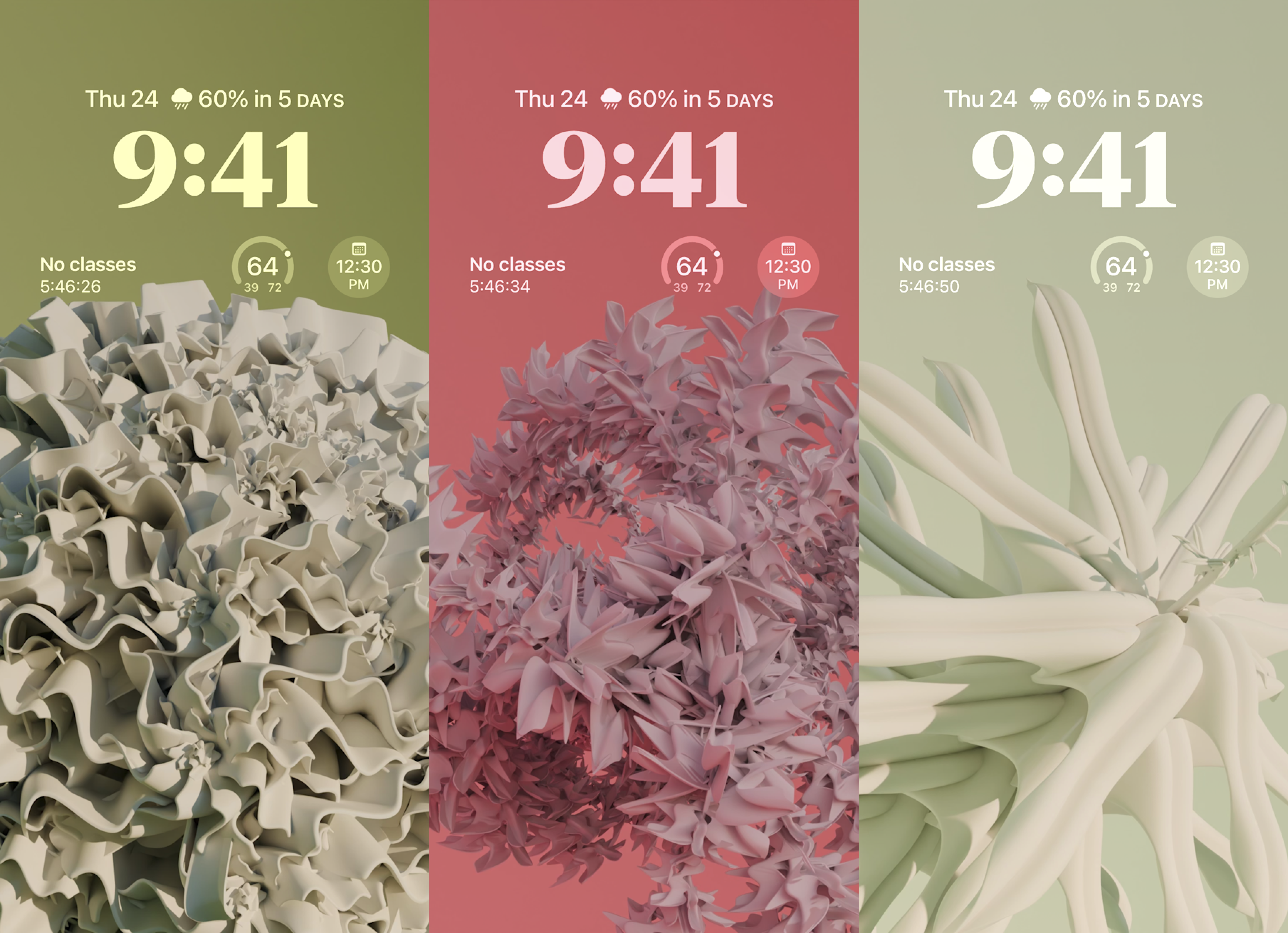
I need a new wallpaper. I can’t have some lame or boring picture like one I’ve taken. I did that already! And I’m going to need a new wallpaper in the future, so I might as well set it to change on a daily basis. So I decided on a whim that it was time to use the power of code to create my wallpaper. This Procedural Plant Generator is my exploration into this generative art project that uses Blender 1 , Python 2 , and a touch of automation to make an infinite garden.
The core idea was simple: I would write code to automatically generate unique and visually captivating plants. This led me down a path of learning Blender Python scripting 3 , mastering Geometry Nodes 4 , and building a multi-stage pipeline to bring these digital plants to life as daily wallpapers.
The Origin of a Digital Plant
At the heart of this algorithm lies a sophisticated system built within Blender. I combined the power of Geometry Nodes for procedural modeling with Blender Python scripting to drive the plant generation process.
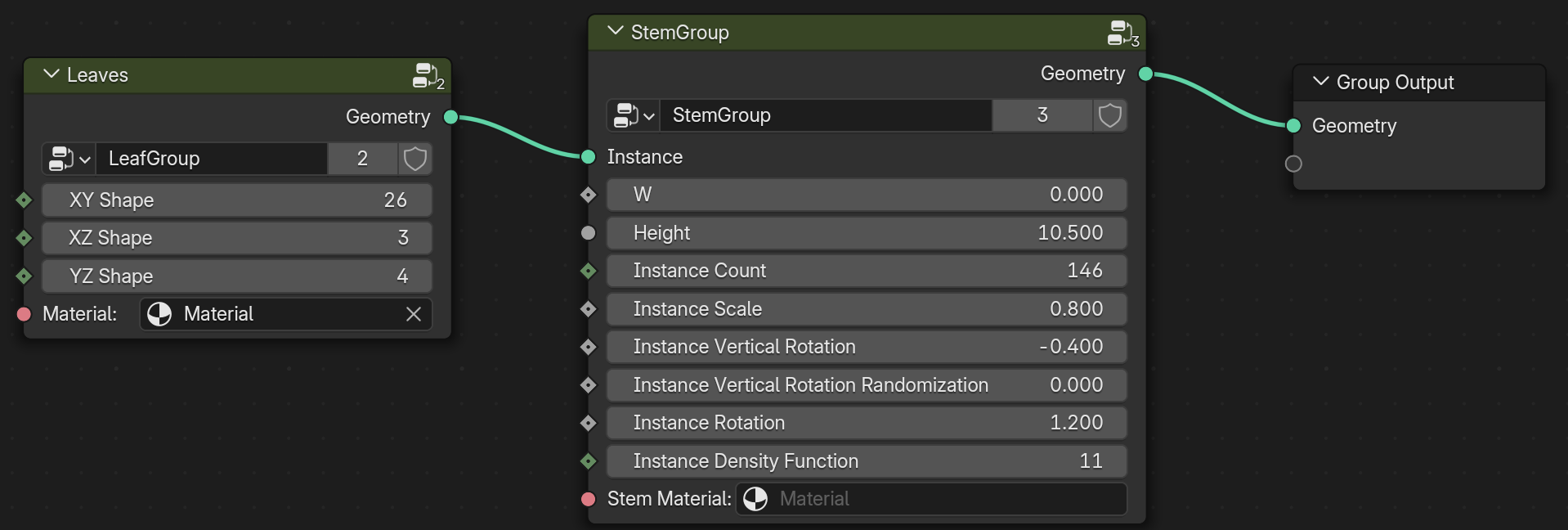
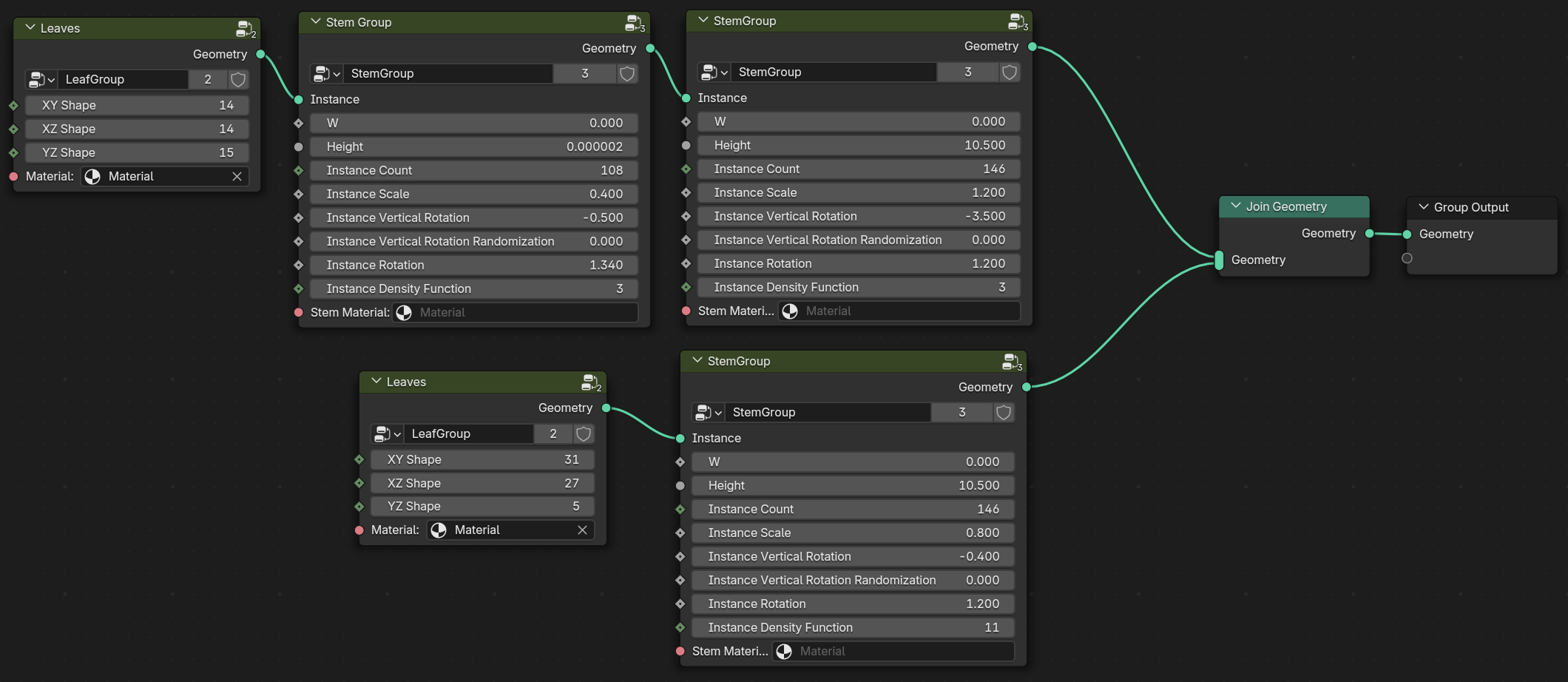
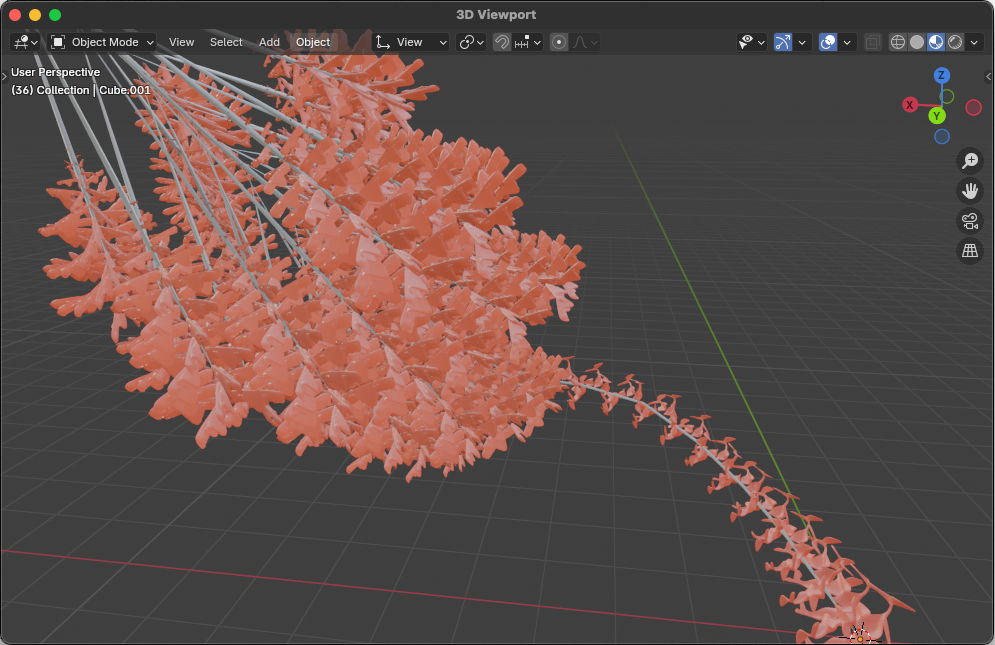
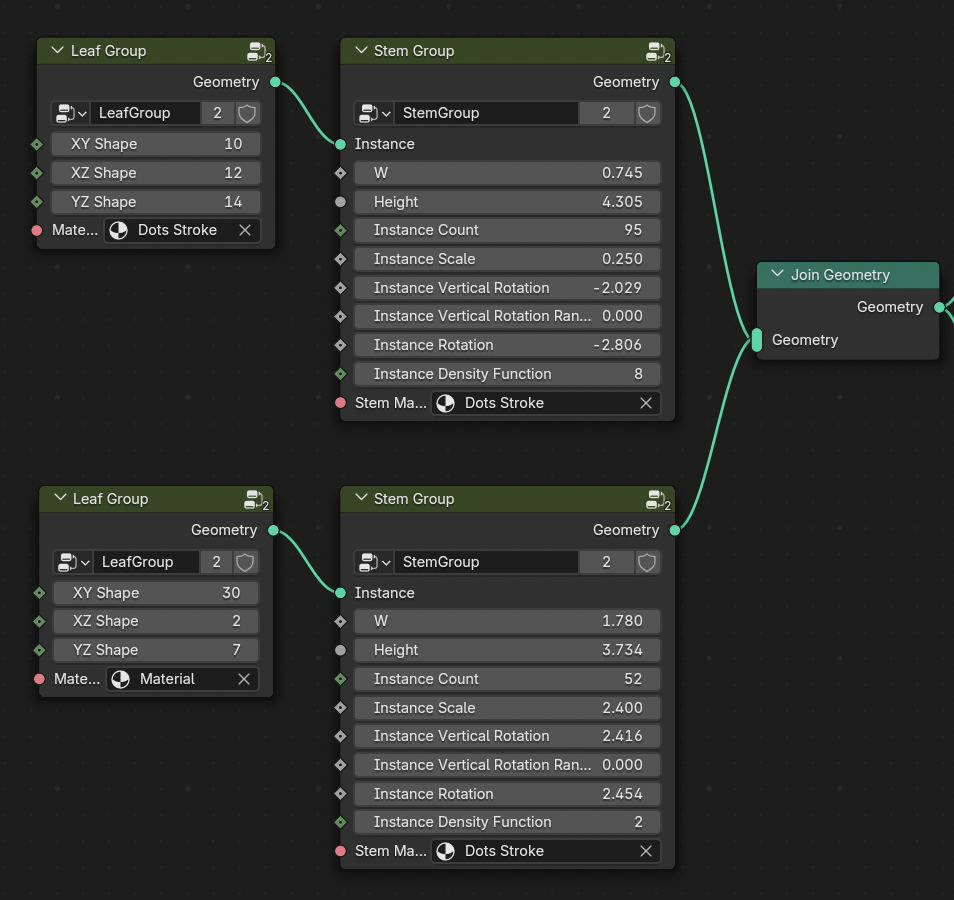
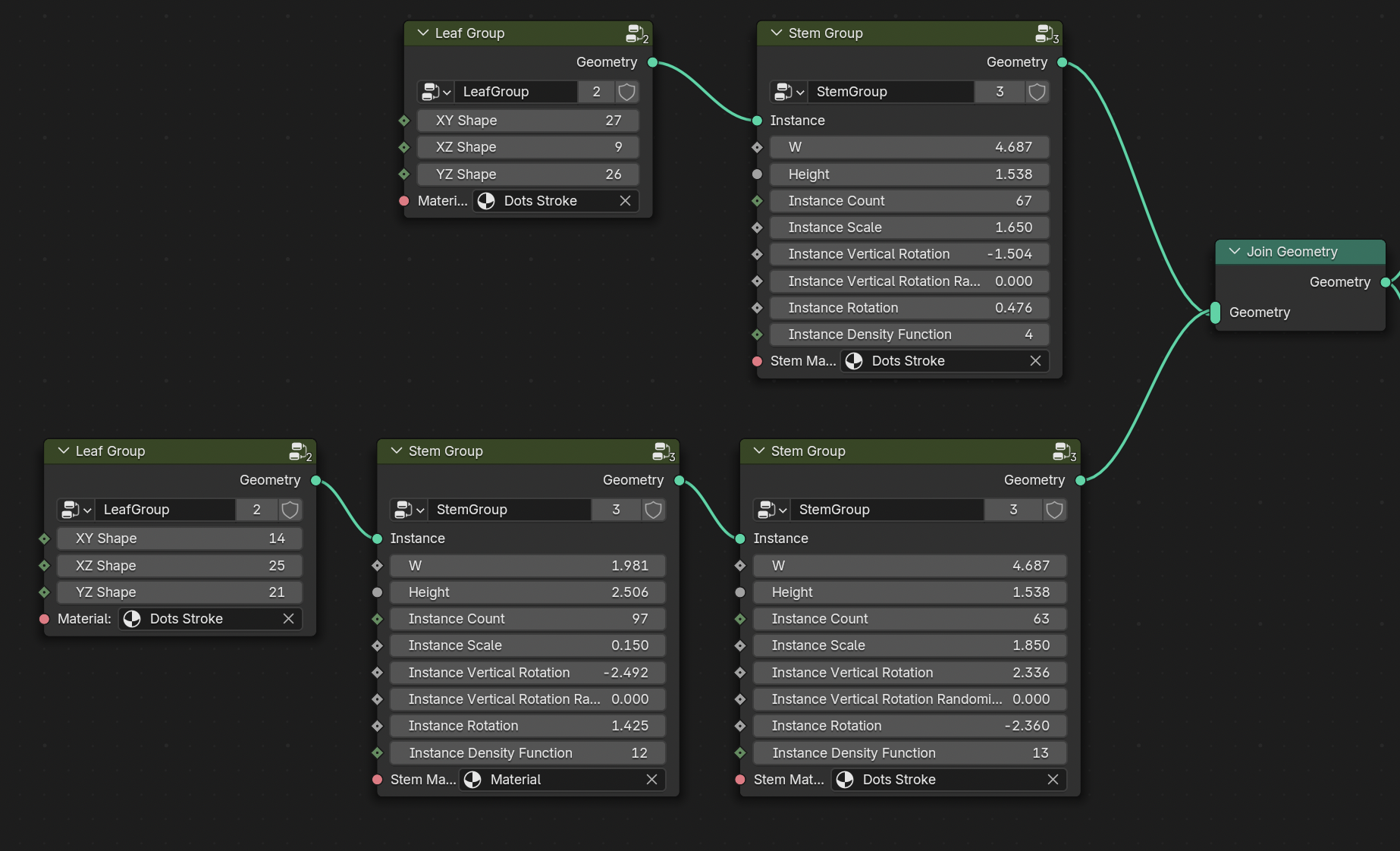
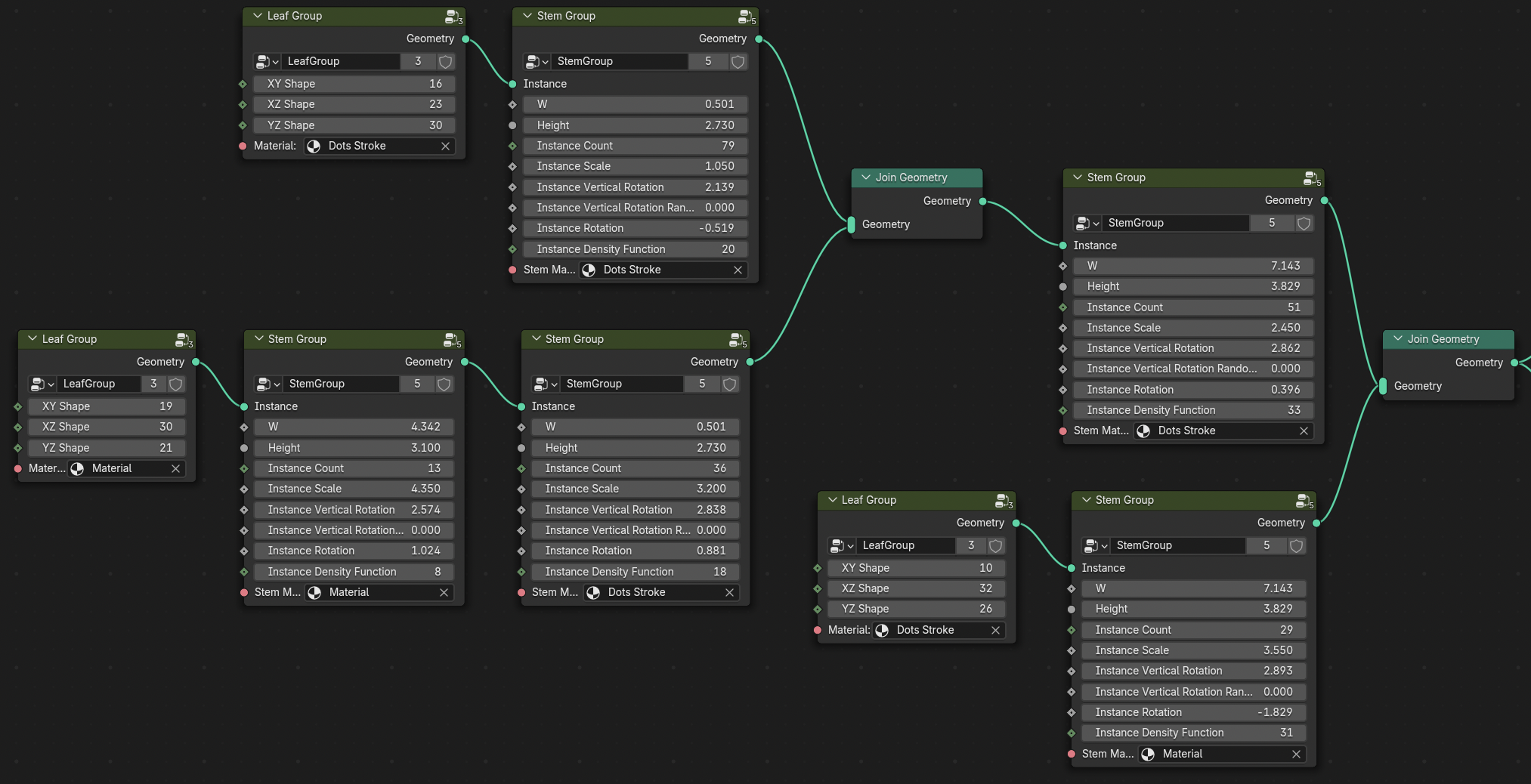
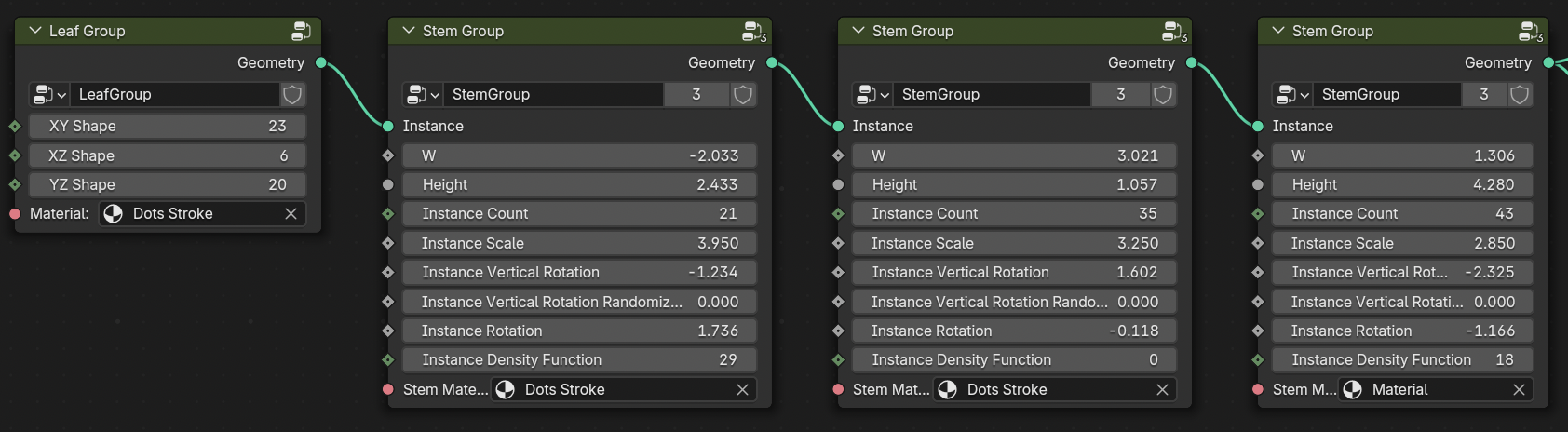
Here is an example of the node groups that I have created to make these plants. Here you can see some leaves using those specific shape numbers, attached to the stem group, and then output as geometry. This specific configuration of values creates this plant:
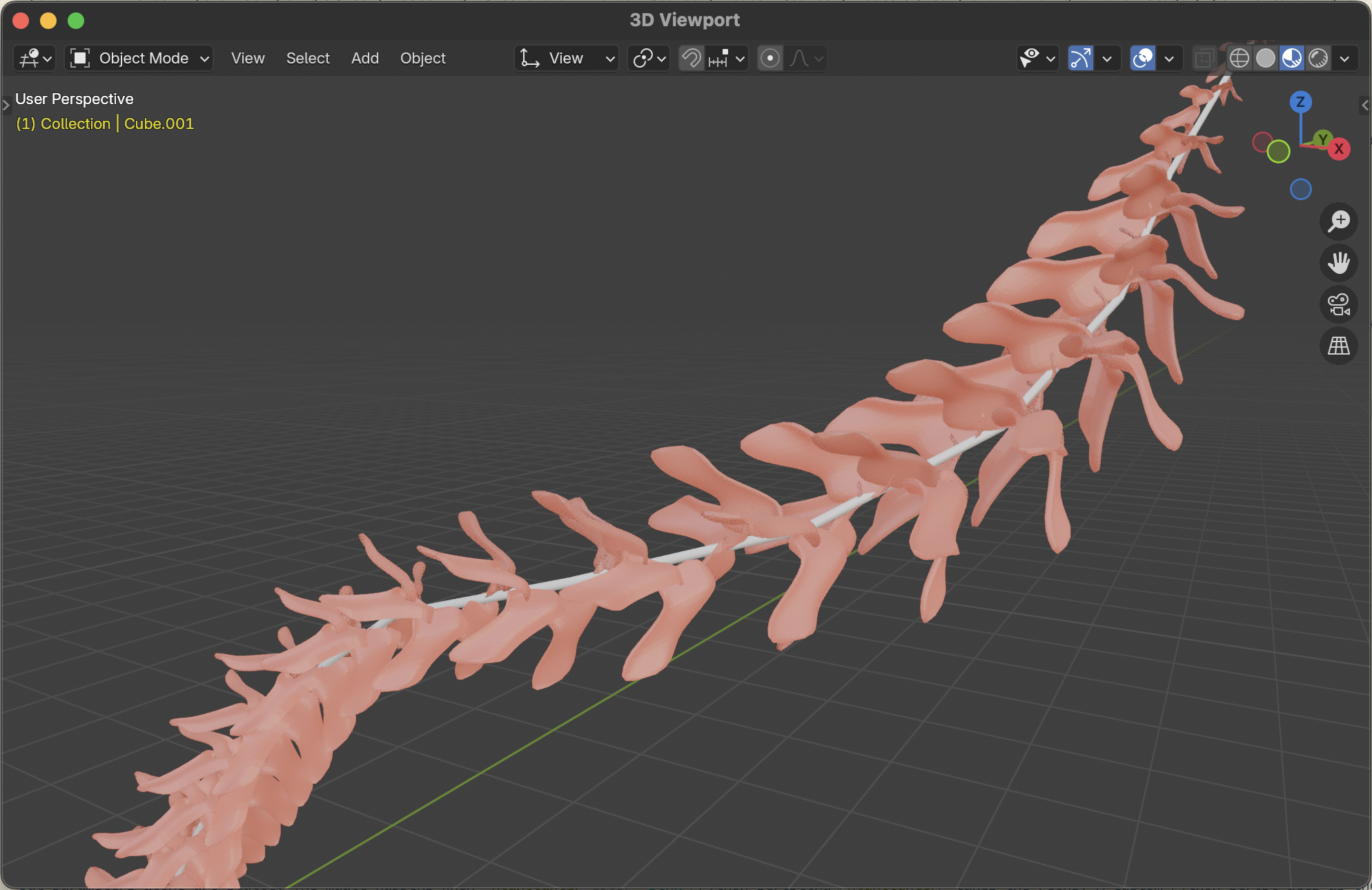
The Geometry Nodes setup is designed to provide flexible control over defining the fundamental structure of the plants. Within the stem node group, I created parameters to control everything from:
- Stem Length & Width: Dictating the overall size and robustness of the plant.
- Branching Patterns: Randomizing the number, angle, and length of branches.
- Leaf Density & Scale: Controlling how lush and shaped the foliage becomes.
Then, for all the leaves in the leaf node group, I created parameters to control:
- Rotations, & Scales: Introducing variations in individual leaf appearance.
- Leaf Shapes in X, Y, & Z Randomizing the profile of the leaves.
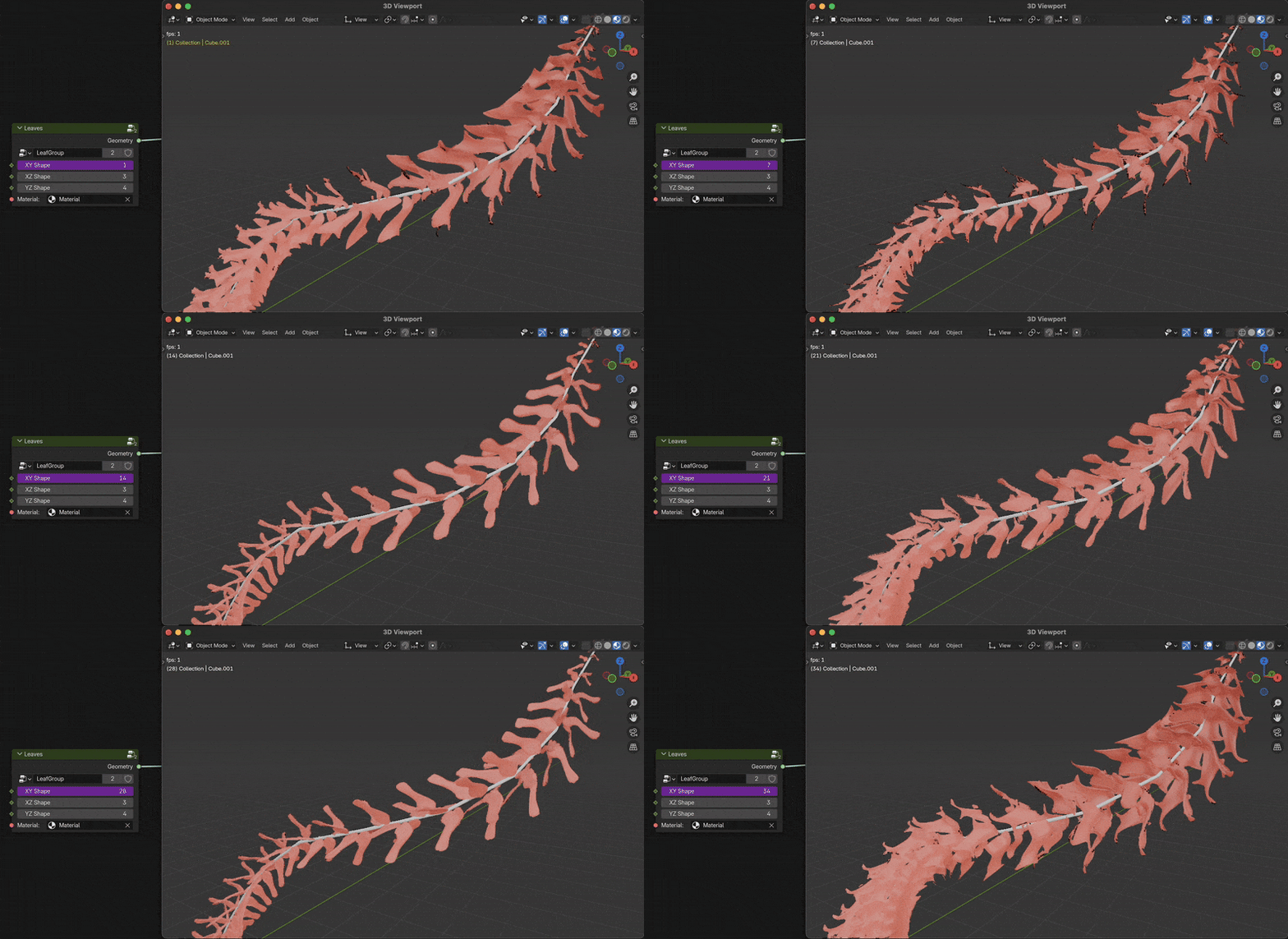
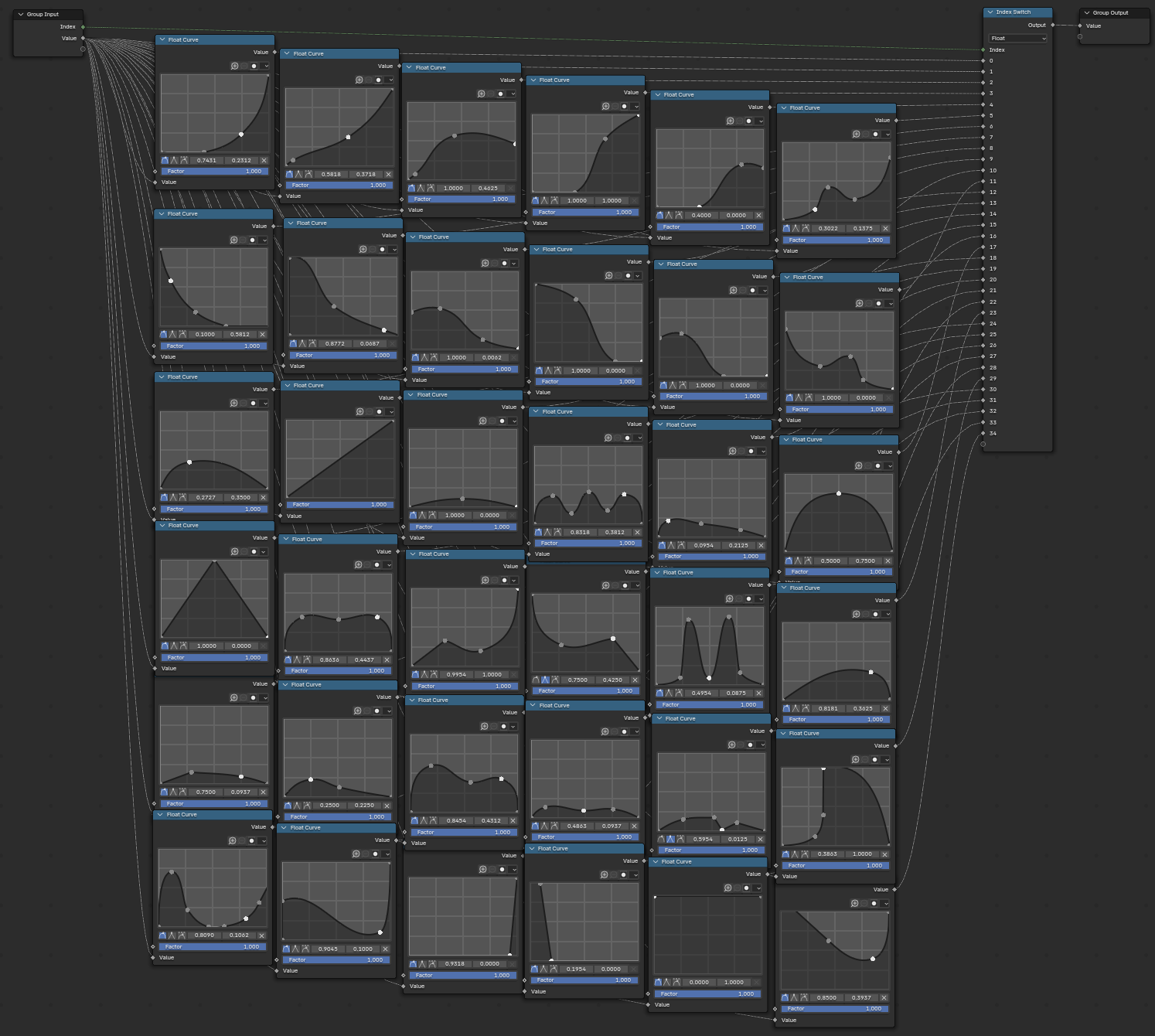
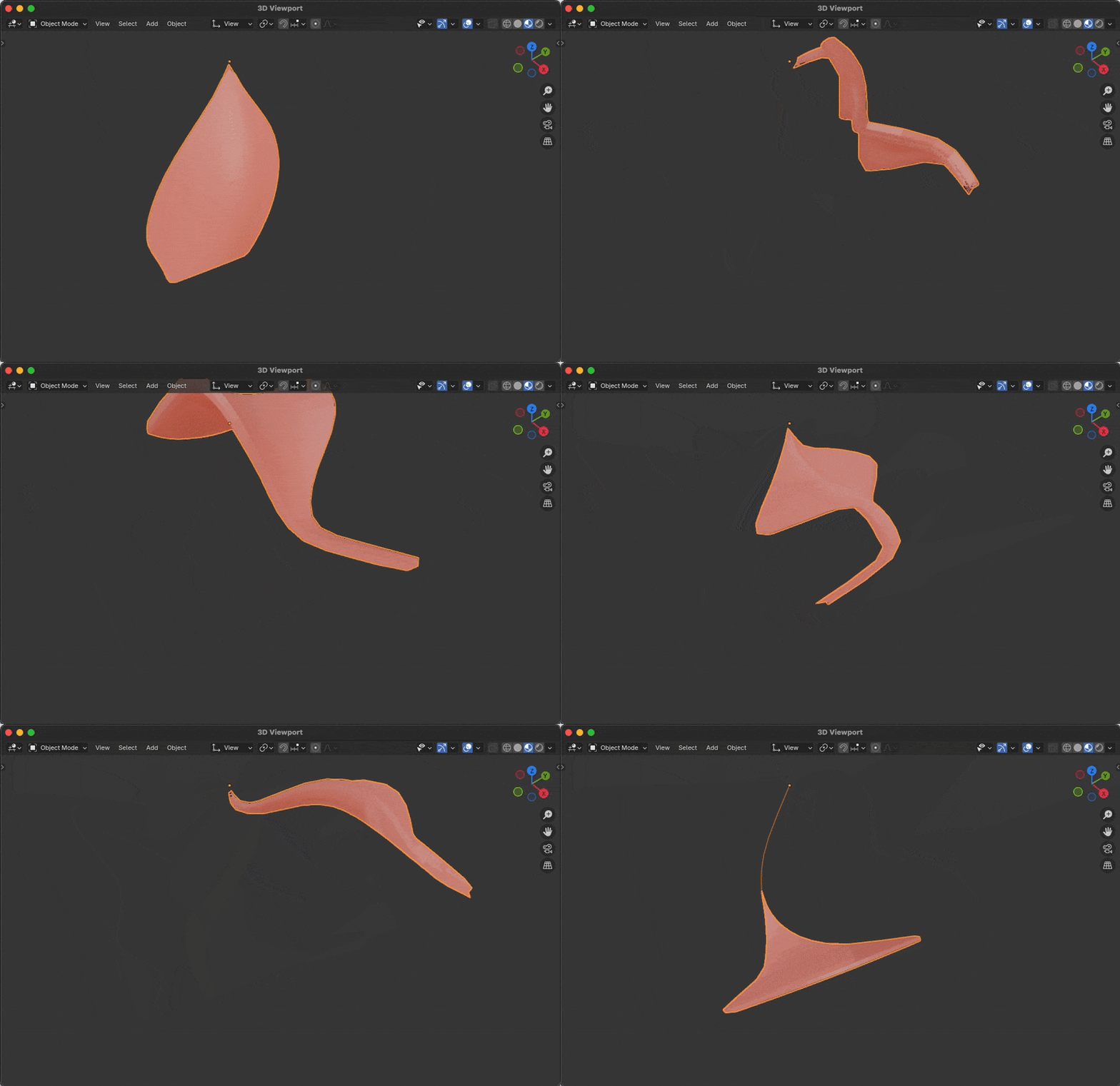
Here you can see all the variations and curve types for the XY profile alone. This is randomized across all three planner directions.
Let me take you inside the leaf node to show you what’s going on. Here is the full node graph for that leaf node:

I don’t expect you to be able to see all of the details of this graph, but I’ll try to explain the parts that are important to understanding how this system works. Firstly, the goal. This leaf node is designed to create a single leaf. It’s a simple shape, but it’s also a random shape. The randomness is controlled by the Leaf Shapes in X, Y, & Z parameters. These parameters control the leaf’s profile in the X, Y, and Z directions. We take the input from the node and use it to index this big list of density functions. All of these map values range from zero to one. And we use that to control the displacement in the XY plane, given the Z dimension.
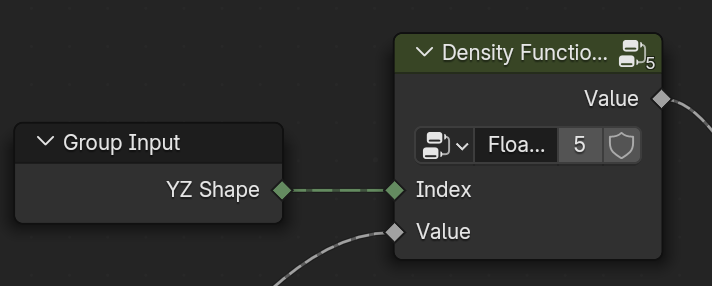
But that’s just the leaves! We also need to discuss all the parameters in the stem group. The parameters here are much more extensive because the stem’s shape also determines leaf positioning. Each stem has six configuration options for the leaves’ distribution, scale, density, and more. As well as stem configuration options for its height and its random wiggle. Here is a look at the stem node group:
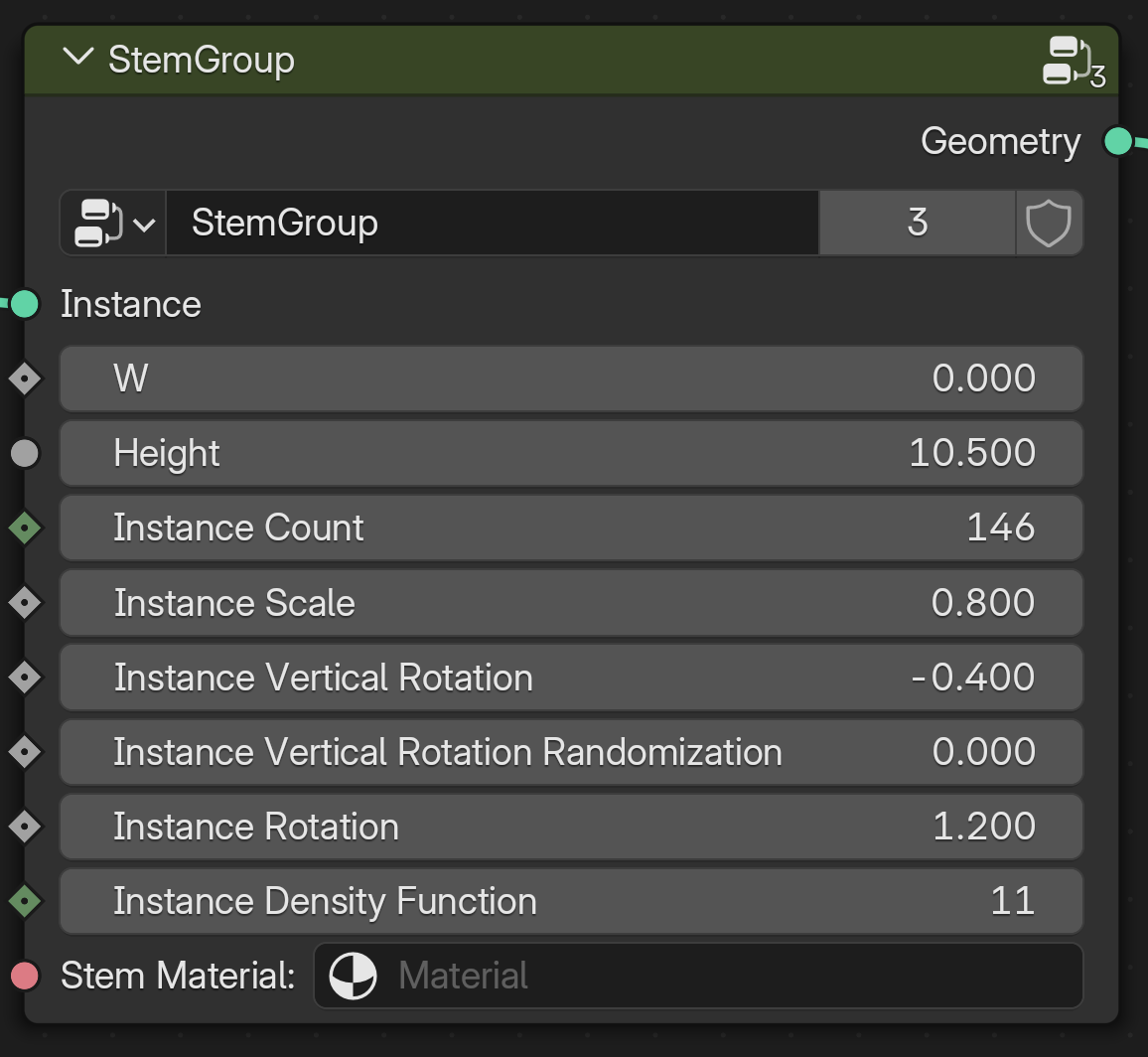
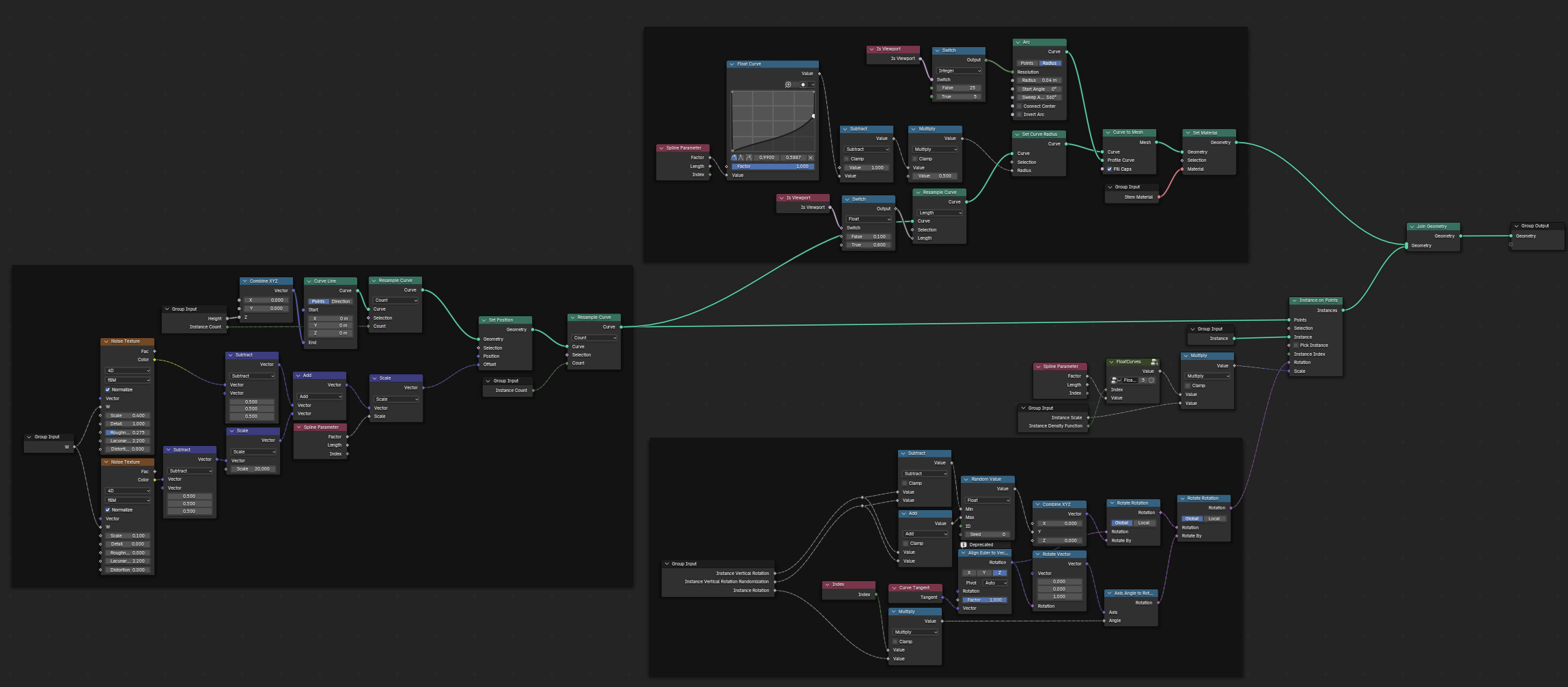
Again, I’ll keep this brief, but the stem node group is split into three main parts. The leftmost part is the stem geometry itself. It handles creating the curve and the random wiggle. The top section is responsible for adding the geometry to the curve. It traces a circle and sweeps it along the curve, scaling it to a point at the end. The bottom section is for distributing the leaves on the stem. It’s responsible for rotating, scaling, and distributing the leaves. Then it is all joined together and output as the final stem.
But the parameters alone are static. The magic happens when Python scripting takes the reins. A custom Python script acts as the generative engine, injecting randomness into the Geometry Nodes parameter inputs. This script automates the entire process and creates an intricate set of connections between leaves and multiple stems.
- It interacts with Blender via the Blender Python API 3 , to create a new Geometry Nodes setup.
- The script starts with a single stem and randomly assigns values to each of the parameters, feeding these parameters into the Geometry Nodes system.
- Then, for the leaves, it will randomly pick from either a leaf group node or another stem node.
- Separately, there is a 50% chance for it to split and create a union of two new stems.
- This repeats until the plant is fully grown.
- Finally, the script places a randomly colored sphere to serve as the background and places the camera to face the plant.
To run the script, I use Blender’s Command Line Interface (CLI). This allows me to automatically run the script and render the plant image.
- The CLI triggers Blender’s Cycles rendering engine 5 to create a high-quality image of the newly generated plant.
- It saves the rendered plant image as a static file, ready to be a wallpaper.
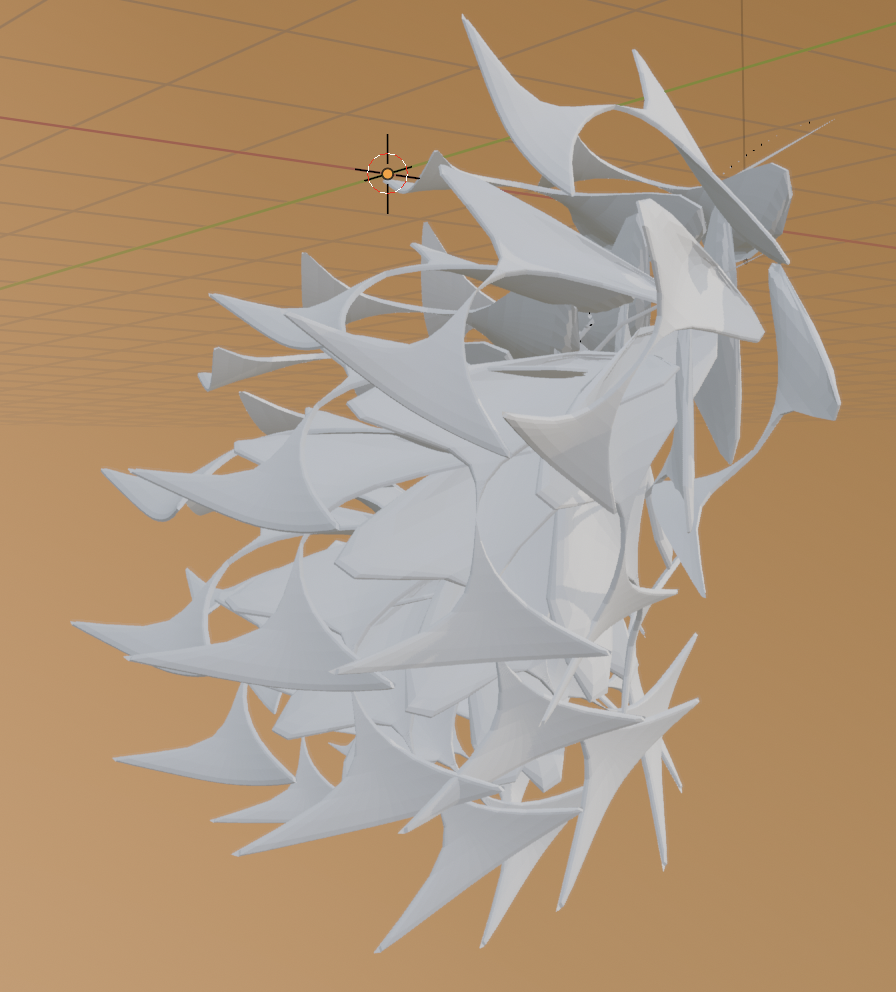
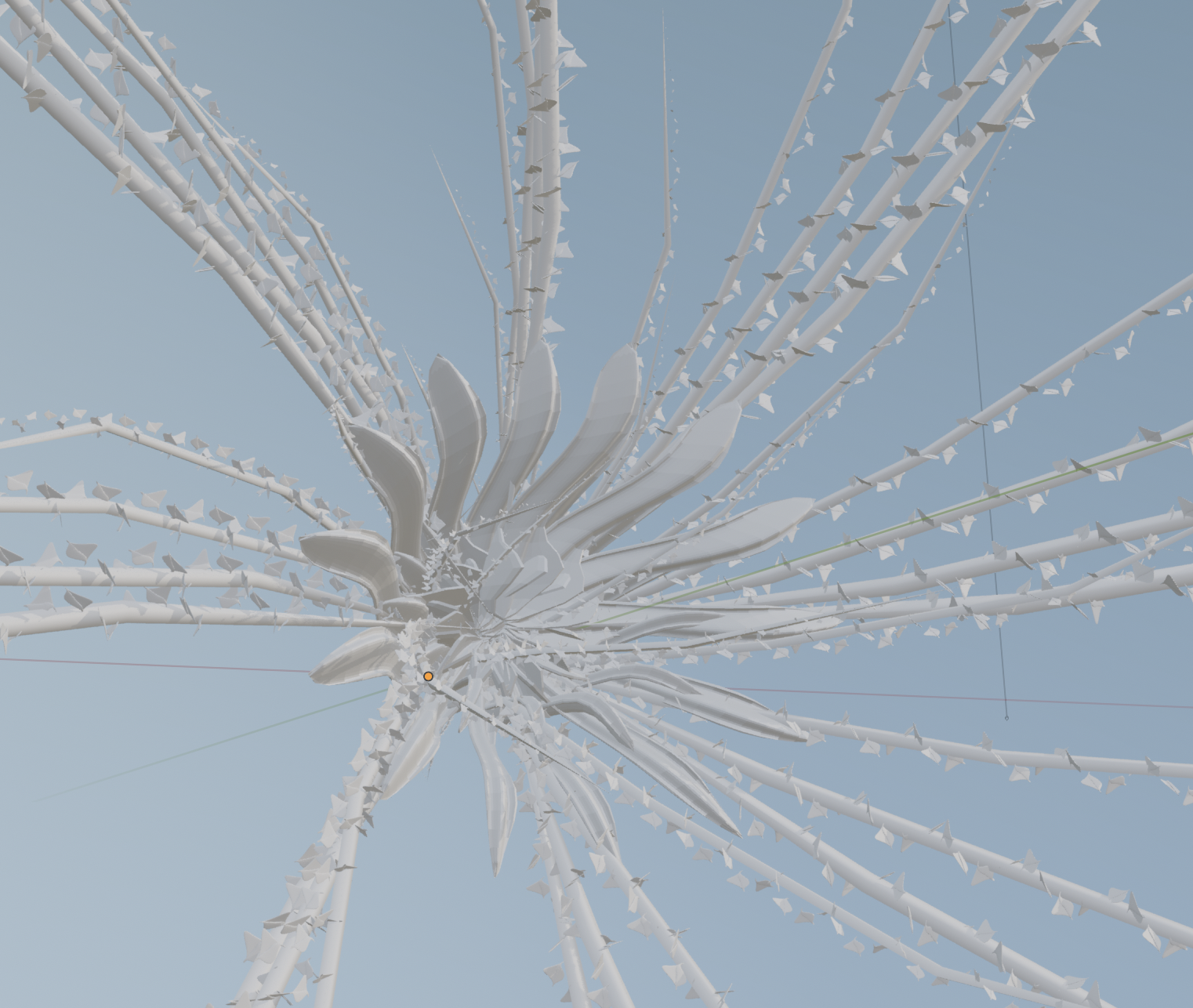
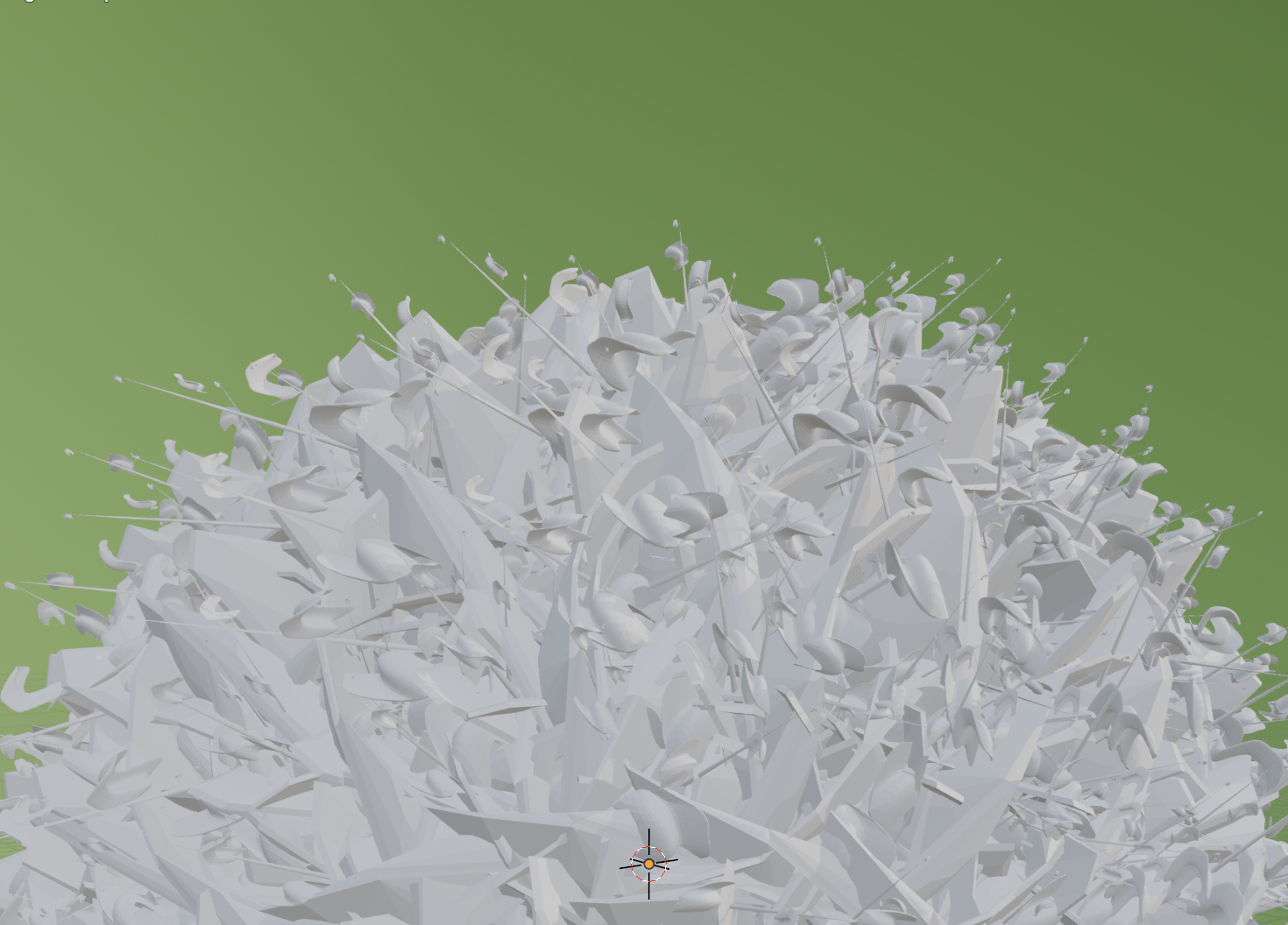
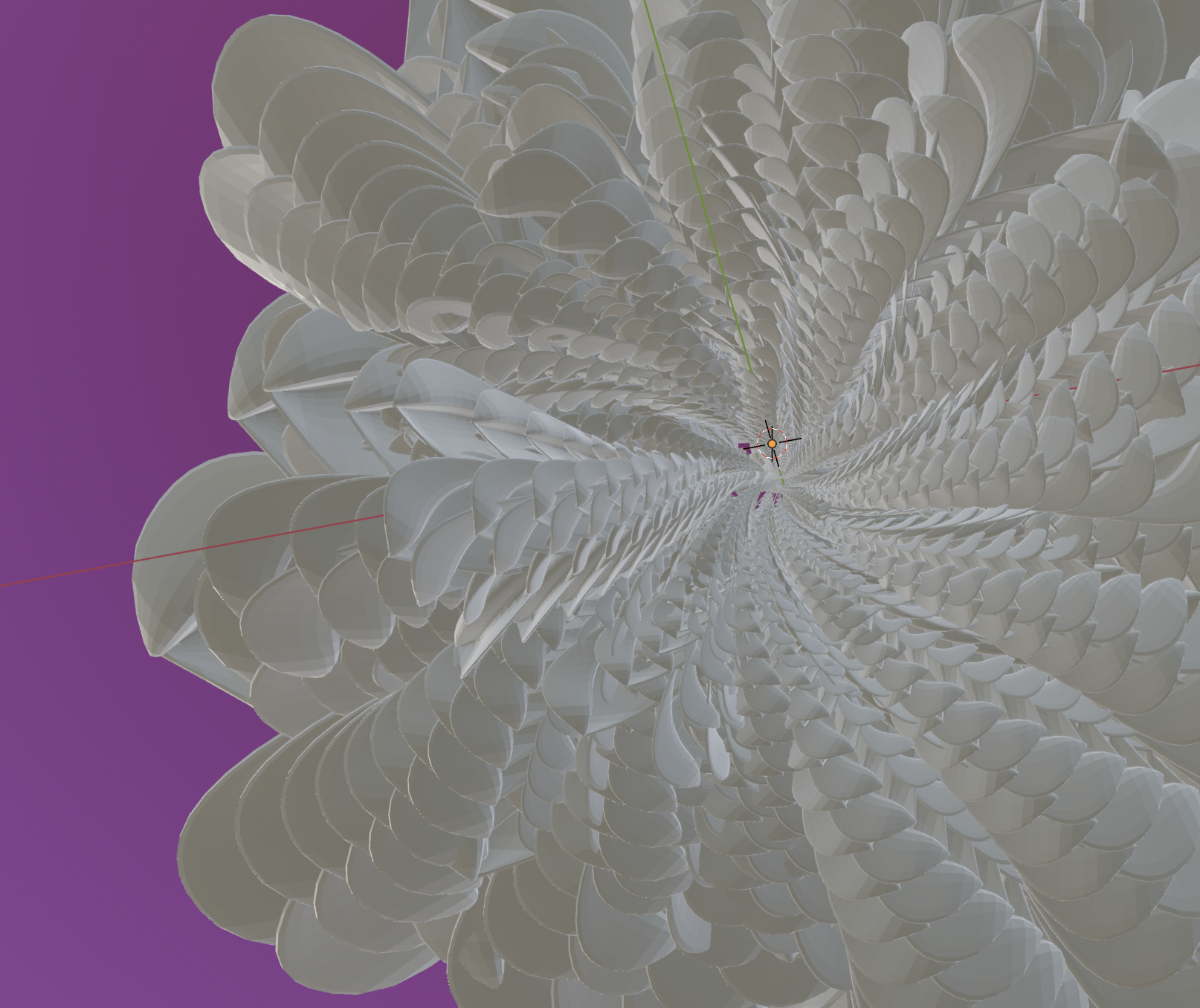
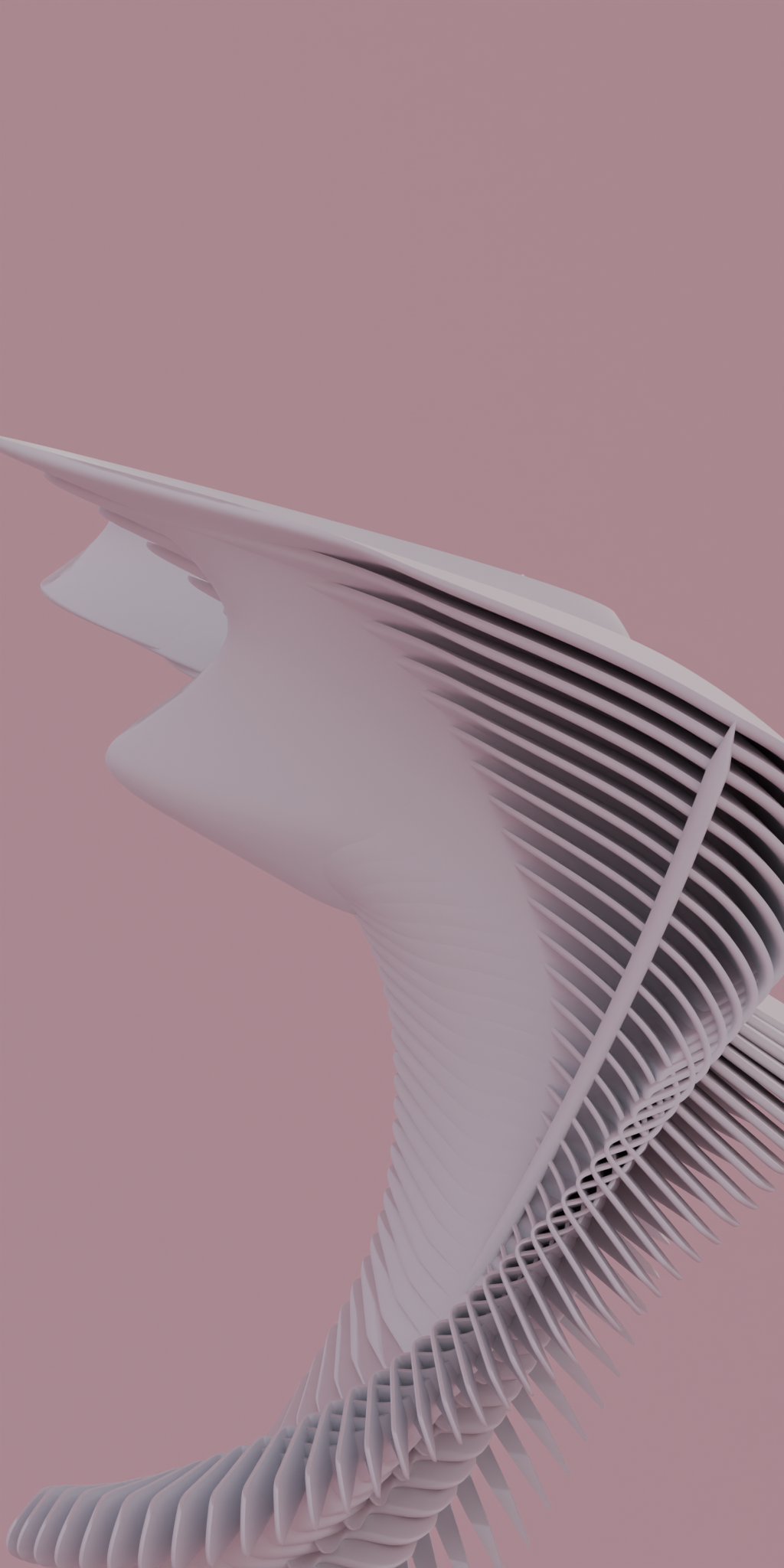
Some Examples!
From Blender to Daily Wallpaper
Creating beautiful plants in Blender is just the first step. I wanted to make this generative art accessible so a fresh digital plant would greet me each day. This required building an automation pipeline to deliver these renders as daily wallpapers.
First, I built a simple Web API using Node.js to serve the generated plant images. This API has two main endpoints:
/: This serves the image of the day./random: Serves a random plant image from all the renders.
To ensure efficient and scalable delivery of the “image of the day,” I implemented Cloudflare Workers 6 . These serverless functions act as a caching layer in front of my API. The Cloudflare Worker intercepts requests for the root route (/), caches the image, and serves it directly to users. This significantly reduces load on my backend server and ensures fast delivery, even with many users accessing the daily wallpaper.
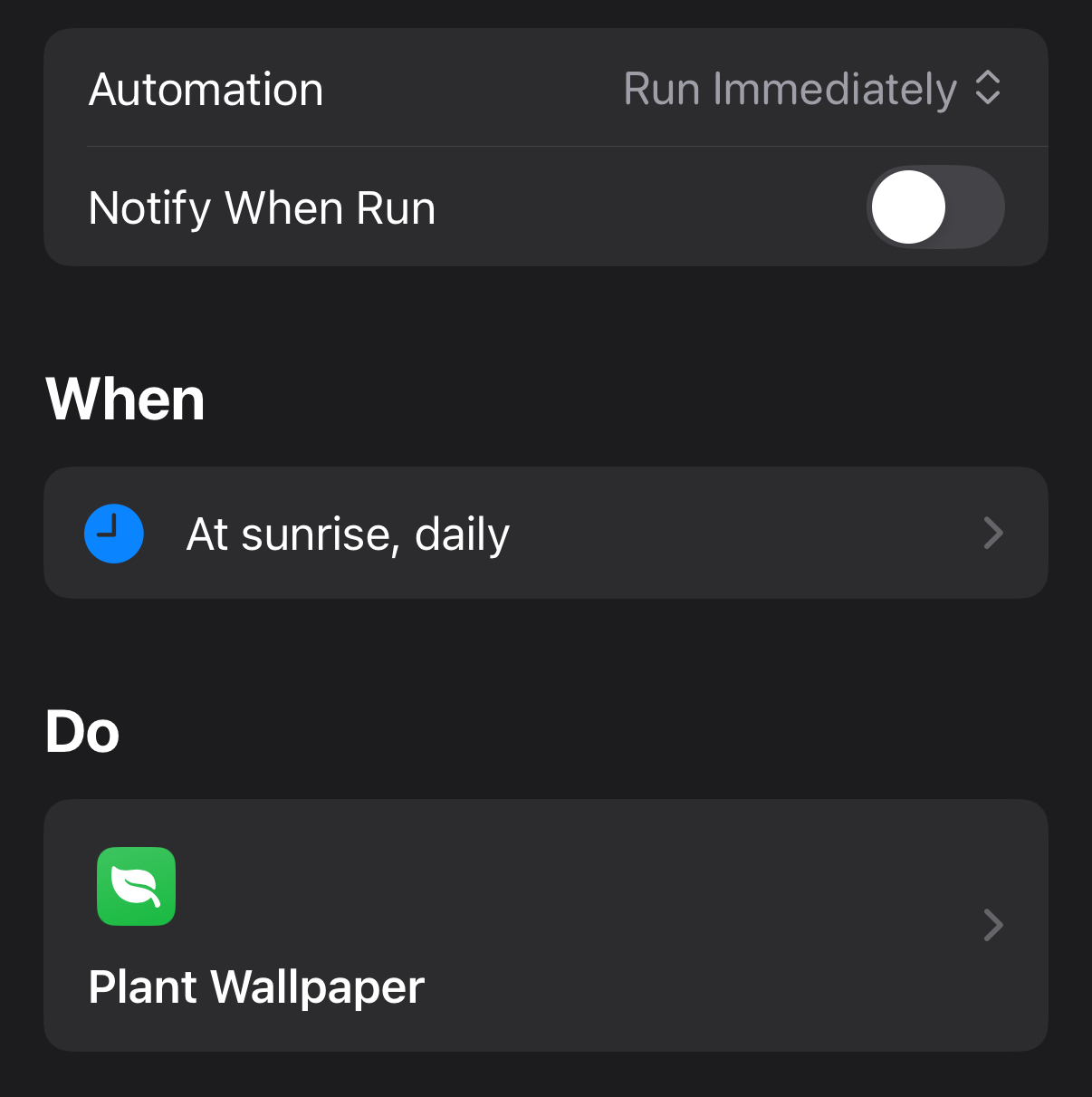
The final piece of the puzzle is an iOS Shortcut. This Shortcut is configured to run each day automatically. It makes a request to the root route (/) endpoint (via the Cloudflare Worker cache). Then I download the plant image and set it as the wallpaper on my iPhone and iPad.
With this pipeline in place, the Procedural Plant Generator truly comes to life. Each morning, my devices are adorned with a brand new, unique digital plant, a fresh piece of generative art to start the day.
To automatically set the wallpaper, you need to create an “Automation” that runs the shortcut.




















Challenges and Cultivated Learnings
Building this was a journey through several interconnected domains. Here are some of the key challenges I encountered and the valuable lessons I learned:
Getting into Blender Python scripting and the intricacies of Geometry Nodes was a steep learning curve. I spent considerable time experimenting, reading documentation, and watching tutorials to understand how to effectively control Blender’s 3D environment programmatically. I did many iterations on the geometry nodes to finally land on something with enough randomness to create complex procedural models. I developed advanced skills in Blender Python scripting, Geometry Nodes design, and procedural modeling techniques. Patience and experimentation were key!
Putting the entire automation pipeline across Blender, a Web API, Cloudflare Workers, and iOS Shortcuts required a lot of work. I gained experience understanding data flows and API interactions in Cloudflare Workers, as well as integrating with iOS Shortcuts.
Key Contributions
- Developed a sophisticated Blender Geometry Nodes system and Python script for procedural plant generation, creating endless variations of digital flora.
- Built a fully automated rendering pipeline within Blender to generate a fresh a bunch of plant images.
- Implemented a Web API for serving plant images and integrated Cloudflare Workers for efficient, scalable delivery of wallpapers.
- Created an iOS Shortcut to automatically fetch the “image of the day” and set it as the device wallpaper.
- Explored the creative potential of code as a medium for generative art, combining technical skills with artistic vision to produce aesthetically pleasing and endlessly diverse digital plants.