Tiny Tools - Big Time Savings
The day I installed RayCast 1 , was the day I made these. These aren’t grand projects, but they’ve become little daily helpers that make my workflow just a bit smoother.
SSH / SCP at Your Fingertips
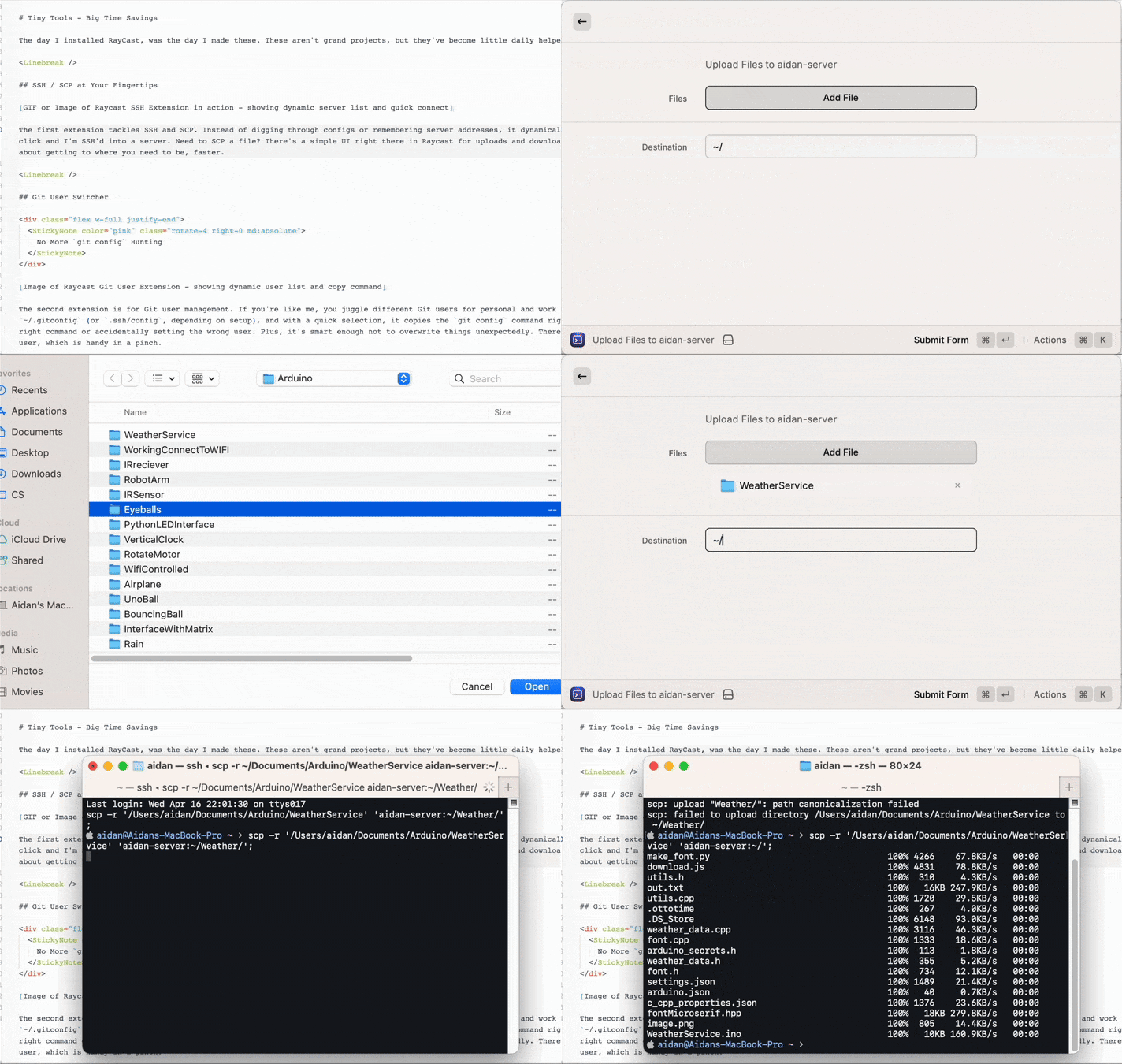
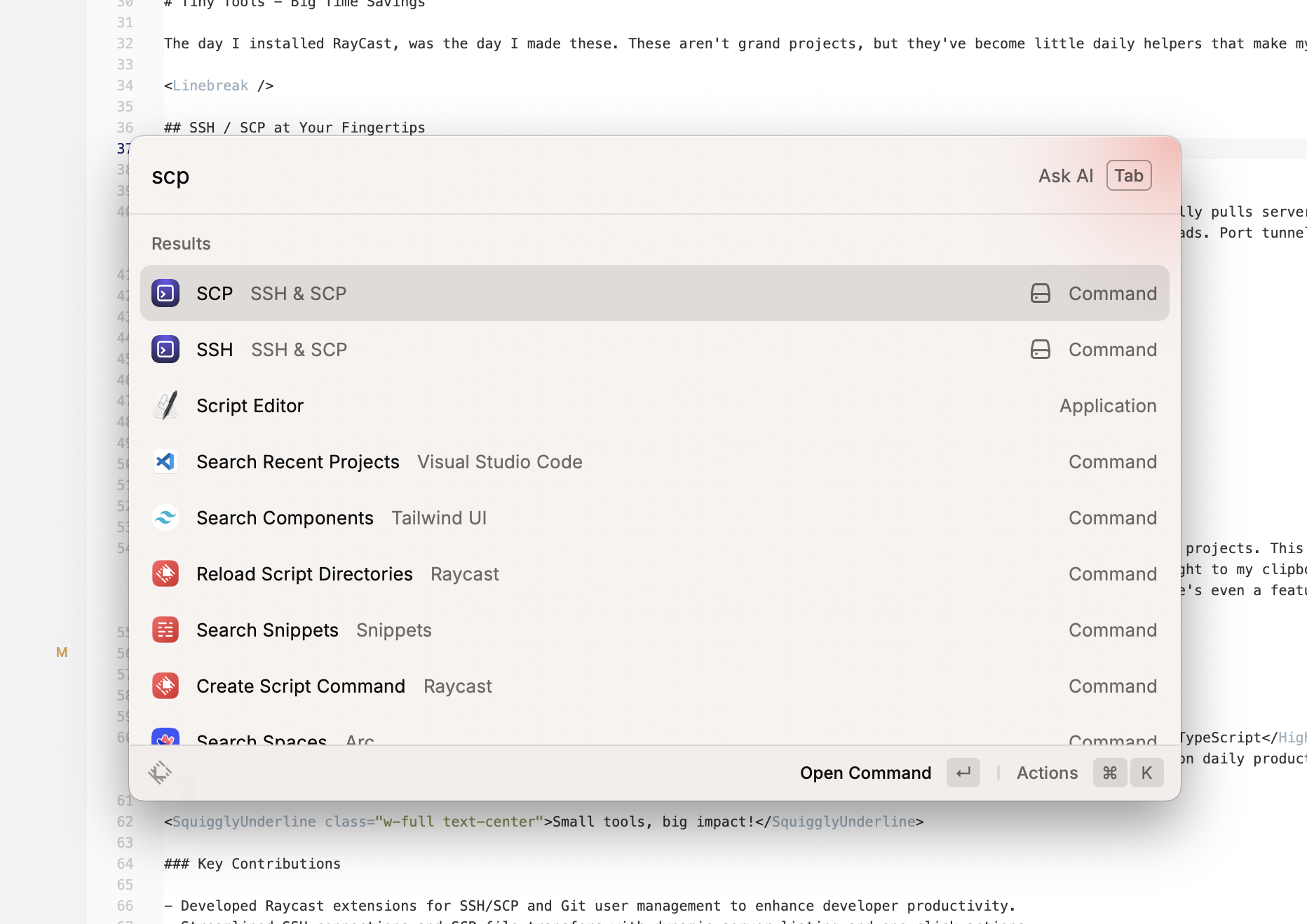
The first extension tackles SSH and SCP. Instead of digging through configs or remembering server addresses, it dynamically pulls servers from my ~/.ssh/config. One click and I’m SSH’d into a server. When I need to SCP a file, there’s a simple UI right there in Raycast for uploads and downloads. And port tunneling is covered, too. It does all the things that I would normally forget and have to do manually.
Git User Switcher

The second extension is for Git user management. If you’re like me, you juggle different Git users for personal and work projects. This extension lists users from my .ssh/config and, with a quick selection, copies the git config command to my clipboard. No more hunting for the correct command or accidentally setting the wrong user. Plus, it’s smart enough not to overwrite things unexpectedly. Secondly, there is a feature to override previous commit history for an old email/user, which is handy when updating an old project.
I set up extra properties in my ~/.ssh/config to provide all the necessary information for each of my Git users.
#AidanSchmitigal GitHub
Host aidanschmitigal-github
 HostName github.com
 User git
 # UserName AidanSchmitigal
 # Email [email protected]
 IdentityFile ~/.ssh/id_rsa_aidanschmitigal_github
 UseKeychain yes
Learnings in Productivity Tooling
These extensions were a fun dive into the Raycast API 2 , using TypeScript and JSX for the UI. It makes my life a good deal easier, lets me forget all the commands, and saves me some time Googling.
Key Contributions
- Developed Raycast extensions for SSH/SCP and Git user management to enhance developer productivity.
- Streamlined SSH connections and SCP file transfers with dynamic server listing and one-click actions.
- Simplified Git user switching with dynamic user lists and clipboard integration.